Laxmi Vihar, Bhubaneswar, Odisha
Founder-Led Website, Software & ERP Development in Bhubaneswar, Odisha

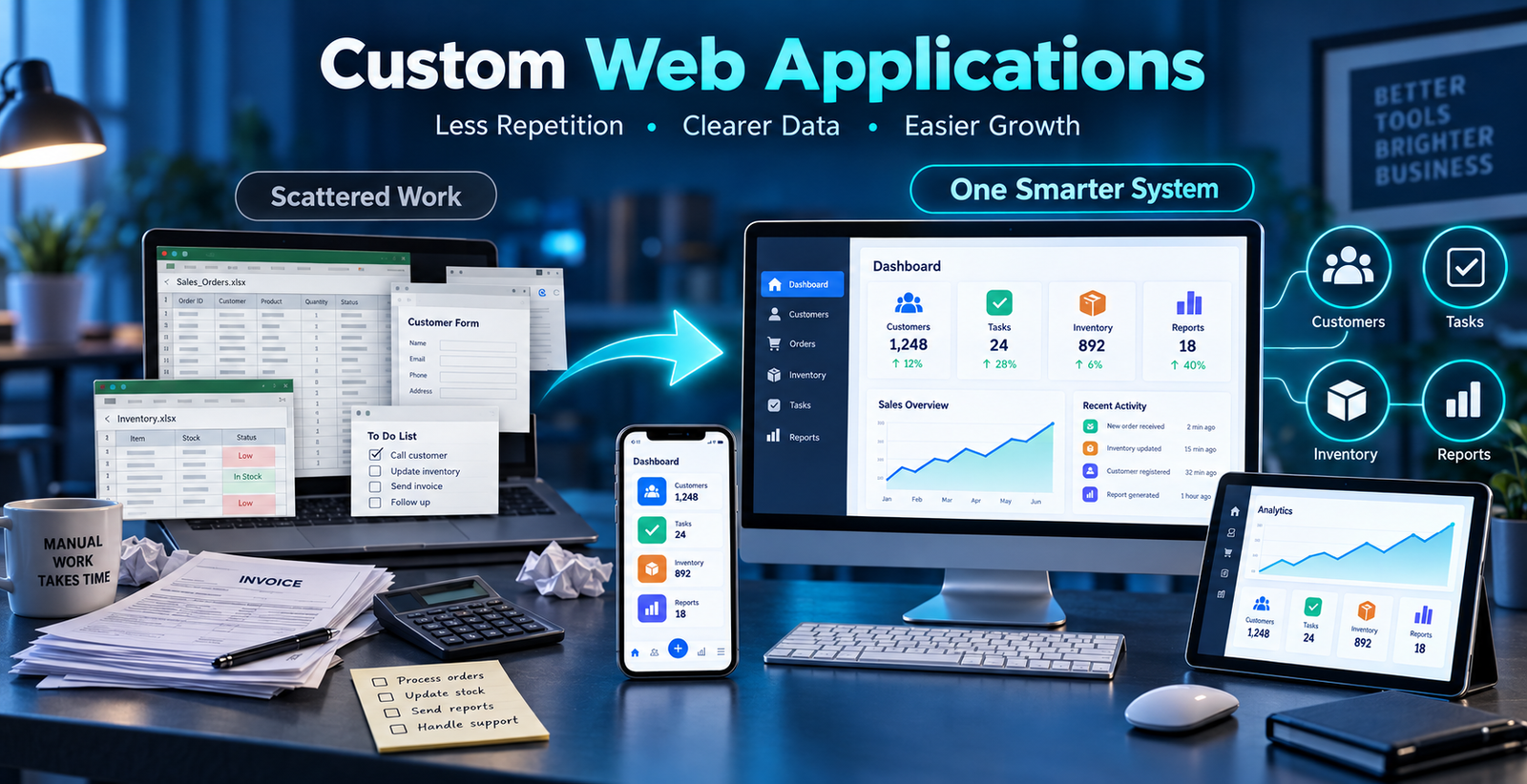
Eight practical web application ideas for Odisha businesses, from clinic bookings to wholesale orders, with what each solves and what a first version costs.
Many small businesses run on spreadsheets, notebooks, emails and WhatsApp messages. That works at first. As the business grows, a customer request is in one place, the payment in another and the project update somewhere else, so staff spend their day searching and re-typing.
A custom web application fixes this by putting the real workflow in one system that runs in a browser, so authorised people can use it from a computer, tablet or phone. Below are eight ideas that suit businesses in Bhubaneswar, Cuttack, Puri and the rest of Odisha, followed by how to choose and what it costs.
A custom web application is software built around a business's specific way of working, accessed through a web browser. Unlike a general ready-made tool, it contains the screens, rules and reports your team actually needs, such as customer records, approvals, stock, invoices, tasks or project updates.
If the difference from a website is unclear, read website vs web application first.
This system lets reception book appointments, record visits and see who is due for a follow-up. Doctors see their day's list, and patient information is visible only to the right roles. It replaces the register and the scattered WhatsApp reminders.
This application stores admissions, batches, fee instalments and attendance together. The owner can see pending fees by batch and send reminders without opening several workbooks.
Orders arrive from shops by phone and WhatsApp. A web application records each order once, shows the party's outstanding balance and prints a GST invoice. A sales person can check dues from a phone before accepting a new order.
Small hotels and travel desks often track rooms and payments in sheets. A booking panel shows availability, advance received, balance due and check-in lists in one place, which suits the tourism and hospitality businesses around Puri and Bhubaneswar.
Stock in, stock out, purchase bills, sales invoices and GST reports become one connected system instead of three separate tools. Low-stock alerts and item-wise reports help you reorder in time. Our inventory and billing service covers this in detail.
Repair shops, installers and service companies can record each job, assign a technician, track status and note the next service date. Customers get fewer "any update?" calls because staff can see the status immediately.
Schools, colleges and institutions can accept online applications, verify documents and show applicants a status. This follows the same pattern as scholarship, examination and public-service applications: submit, verify, approve, track.
Growing teams can record attendance, leave requests and approvals, with task lists and simple reports. It gives managers a clear picture without chasing people in message groups.
Have an idea that is not on this list? Describe the problem in two or three lines and we will tell you if a small web application is the right fix.
Discuss your idea on WhatsAppA first version is small on purpose. For the clinic appointment system in idea 1, it would contain:
That scope fits a basic admin panel or MVP, which is why the starting prices above are realistic for a first release. Bigger needs are added in stages.
We answer these in writing in the quotation. Our standard payment schedule is 50% to begin, 30% after you review a working preview and 20% before handover.
You may benefit from a custom application when the same information is entered in several places, important updates are hard to track, reports take too long, manual errors affect daily work, your current software does not match your process, or staff depend on spreadsheets and message groups.
Each problem may seem small, but together they slow the whole business. Our article on seven signs you have outgrown spreadsheets goes through them one by one.
It makes work easier by keeping information in one place, removing repeated steps and showing the current status of the business.
A first version of a focused web application starts from about ₹34,999 to ₹44,999. These are the recommended starting prices on our packages page, and every project is scoped individually:
Final pricing depends on modules, user roles, integrations, reporting and complexity. Domain, hosting and GST are separate, and timelines start after the advance payment and the information we need are received.
A good business application should make work simpler, clear to use and focused on useful features. Before development starts, write down the main problem, the people who will use the system and the result you want. This keeps the project focused and stops unnecessary features from raising the cost.
Starting small is usually cheaper and gets the team using the system sooner. Our custom web application service follows this approach.
Utkal Codeworks provides custom web application development in Bhubaneswar for startups and growing businesses. We begin by understanding your workflow, daily challenges and priorities before recommending features or technology, and you work directly with the founder from planning to delivery.
AI tools support research, development, testing and documentation, while technical decisions and quality checks stay with a person. The goal is a dependable application that saves time, keeps information organised and supports the way your business works.
A website mainly presents information. A web application allows users to perform tasks such as managing records, tracking requests, preparing reports or updating business data.
Yes. A small application focused on one important workflow can often provide more value than a large system filled with unused features.
Yes. It can be developed with a responsive interface that works across common mobile, tablet and desktop screen sizes.
Yes. Starting with essential features is often the most practical approach. New modules can be planned as requirements become clearer.
No. AI can assist with research, coding, testing and documentation, but planning, development decisions, security considerations and quality checks still require professional oversight.