Laxmi Vihar, Bhubaneswar, Odisha
Founder-Led Website, Software & ERP Development in Bhubaneswar, Odisha

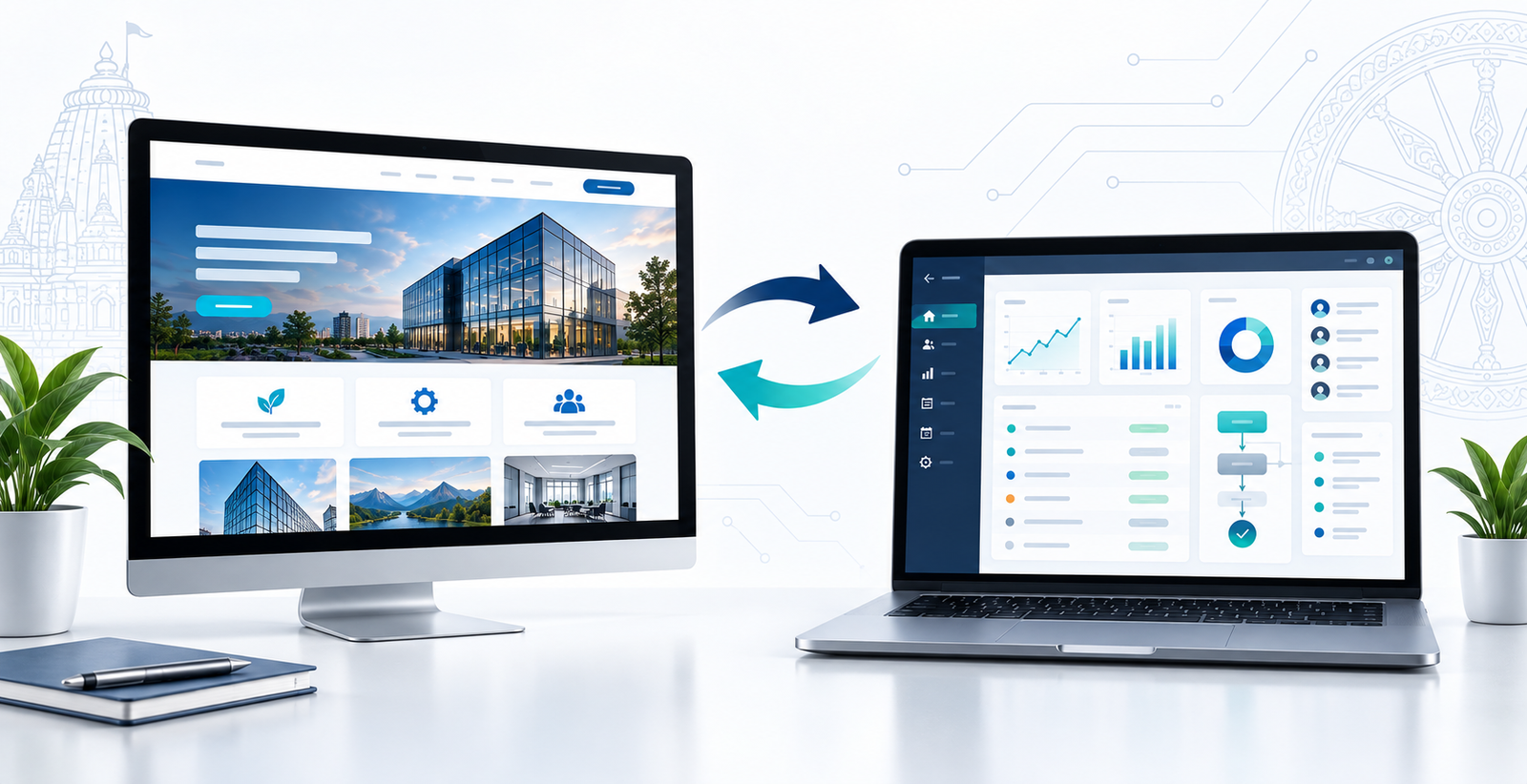
A website presents information; a web application lets people do work. See the differences, typical costs in rupees, examples and how to choose for your business.
"Website" and "web application" are often used as if they mean the same thing. Both open in a browser, but they usually solve different business problems. Knowing the difference helps you pay for what you need and avoid features you will never use.
A website is a set of pages that presents information to visitors: who you are, what you offer, how to contact you and why they should trust you.
Common examples are company, clinic, portfolio, educational and blog websites. Visitors mostly read pages, view images, call, message on WhatsApp or send an enquiry. A website is usually the right choice when your main goal is to build an online presence, explain your services and generate enquiries.
A web application lets users complete tasks in their browser instead of only reading. They log in, add records, manage customers, track applications, generate reports or move a process forward.
Examples include customer portals, admin dashboards, booking systems, inventory applications, employee management systems, scholarship or application portals, and approval and status-tracking systems. Web applications usually need a database, user roles, security controls and a custom workflow.
A website helps people understand your business. A web application helps people perform a task or manage a process.
| Website | Web application | |
|---|---|---|
| Main job | Presents information | Processes information and tasks |
| Who uses it | Anyone, mostly public | Logged-in users with roles |
| Typical examples | Company site, clinic site, portfolio, blog | Booking panel, billing system, CRM, student portal |
| Built with | Pages, forms, content management | Database, user accounts, custom workflows, reports |
| Starting price at Utkal Codeworks | ₹3,999 (landing page) to ₹29,999 (professional site) | From ₹34,999 (admin panel) to ₹79,999 (single-module ERP/CRM) |
| Typical timeline | 5 to 30 working days, depending on the package | Agreed in the quotation after scoping, since it depends on modules |
| Result you measure | Enquiries, calls, visibility | Time saved, fewer errors, clearer reports |
The prices are the starting prices on our packages page. Domain, hosting and GST are separate, and final pricing depends on your requirements.
Choose a website when you need to build a professional online presence, explain your products or services, show projects or testimonials, publish blog articles, receive calls and enquiries, or improve local search visibility.
Most startups and local businesses should set up a clear website before investing in complex software. Our small business website checklist lists what that website needs, and our website design and development service explains how a project runs.
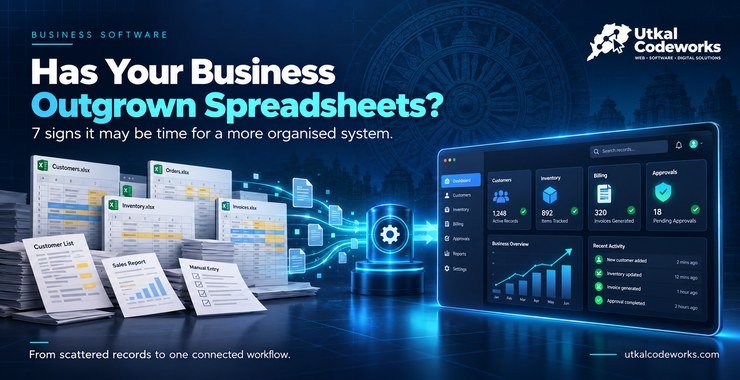
A web application is more suitable when spreadsheets, messages or paper records make daily work difficult. Consider one when you need several user accounts, centralised business data, custom forms and approval stages, inventory or customer management, reports and dashboards, status tracking or less repetitive work.
Plan it around your actual process. If you are unsure whether you have reached that point, see the seven signs you have outgrown spreadsheets, then browse web application ideas for Odisha businesses.
Not sure which one you need? Tell us what you want your customers or staff to be able to do and we will recommend the simpler option.
Ask us on WhatsAppA web application costs more than a website to build and also needs more care afterwards, so compare both before you decide.
For ongoing care, see the plans on our maintenance and support page.
Many businesses grow in the same order, and you do not have to decide everything on day one.
A clinic website lists treatments, the doctor's profile, timings, location and a "Book an appointment" button. That is a website. If the clinic later wants patients to log in, see past visits and reschedule online, that part is a web application.
A page showing product categories and a phone number is a website. A system where each shop owner places an order, the owner approves it and the dues update automatically is a web application.
A website shows rooms, photos and a contact form. A booking panel that tracks availability, advance payments and check-ins is a web application.
Yes. A public website attracts visitors and explains your services, while a secure web application manages internal work or customer activity. They can run separately or be connected, depending on your requirements.
The best choice is not the one with the most features. It is the one that solves today's business problem and can grow when you genuinely need more.
We work with you directly, from the first conversation to delivery, so the recommendation comes from the person who will build it. If a website is enough, we will say so.
Not usually. A standard WordPress site mainly displays content to visitors. It becomes closer to a web application only when it adds features such as user logins, dashboards or custom data-driven tools.
Yes, in many cases. Features like logins, dashboards or booking systems can be added to an existing website, though larger requirements may need a separate, purpose-built application.
Not always, but most do. Login is common where the application manages personal data, business records or role-specific access, though some internal tools work without individual accounts.
Yes. A well-built web application is responsive and works through a mobile browser, and it can also be extended into a dedicated mobile app if needed later.
They can require more ongoing attention than a simple website because of databases, user accounts and security, but planned properly they are manageable with regular updates and monitoring.